 Briggs Analytics
Free tool · Engineering and design firms
How deep does your project history go?
Twenty years of Revit models, RFIs and change orders is a different thing from a folder of finished drawings. Answer a few questions and see your firm's project history score.
Loading the tool...
How this works
Four steps, about as many minutes.
- Tell us how many projects you have and how you kept them.
- We score how complete and how connected each project's records are.
- You see a project history score and what raises it.
- Get the firm summary by email if you want to keep it.
Finished drawings are only the end of the story
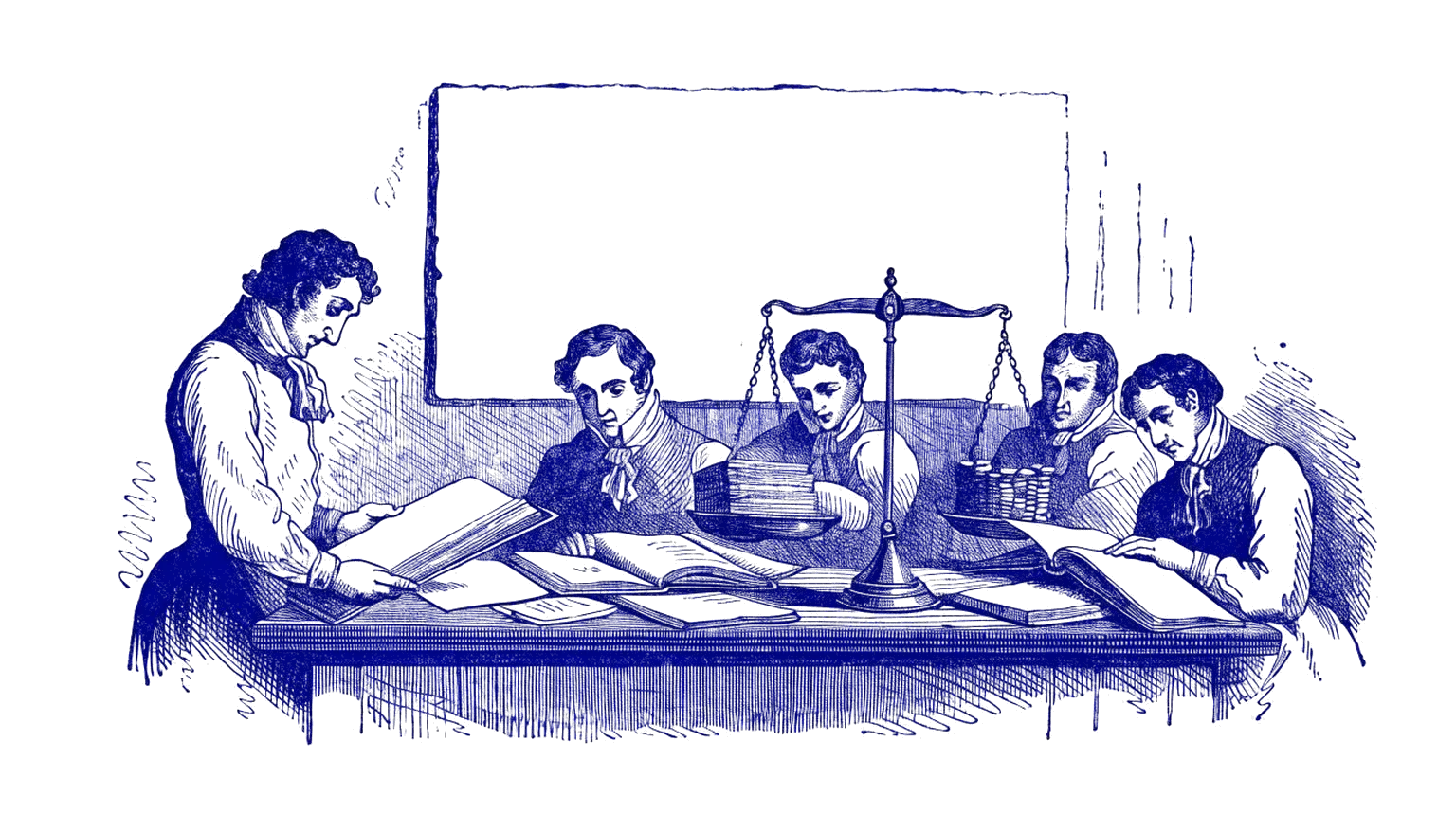
A set of construction documents shows where a project ended up. The model history, the RFIs, the submittals and the change orders show how it got there: what the contractor asked, what the architect answered, what changed in the field and why. That trail is what makes a firm's project history useful to someone who wants to learn how real buildings get delivered.
This check scores two things. How much history you have, from the number of projects, the years and how many projects still have their models. And how connected it is, from a model alone, to a model with its drawings, all the way to a full trail with RFIs, submittals, change orders and closeout.
Where firms lose history
The common gaps are predictable. Models archived only as PDFs, RFIs that lived in a contractor's system and never came back, and project folders cleaned out to save server space. If you know where those went, you can often get them back before anyone needs them.
A note on ownership
Owner and architect agreements handle drawing ownership in different ways, and some give the owner rights in the project documents. Check the agreements for your biggest projects before you include them.
Questions about this tool.
Does the software matter?
Not much. Revit, ArchiCAD and AutoCAD histories all count. What matters is whether the models still exist and whether the project records sit with them.
What if our RFIs live in the contractor's system?
Many firms keep their own copy in the project folder or in a tool like Procore, Autodesk Construction Cloud or Newforma. If you never kept one, the score treats those projects as model and drawings only.
Do we need every project?
No. A smaller set of complete projects is often more useful than hundreds with only final PDFs.
Who owns our drawings?
It depends on your owner agreements. Many standard agreements leave the architect with rights in the documents, but some hand them to the owner. Check before you include a project.
See what your company's records could be worth.
Costs you nothing · five quick questions · about a minute · no files
See what my data is worth →